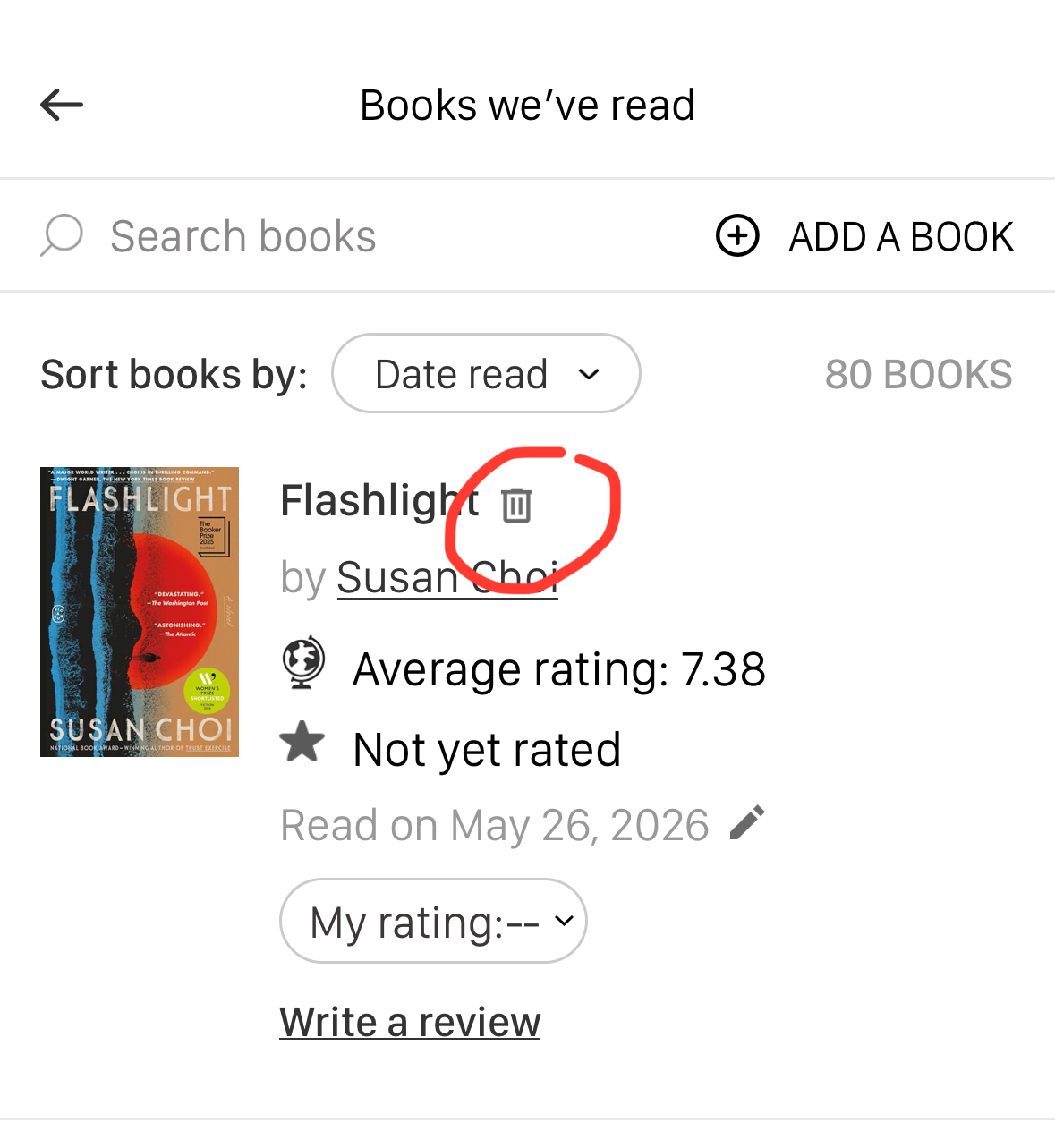
To delete a book from your club's "Books We've Read" shelf:
- Go to your club's shelf
- Find the book you want to remove
- Click on the trash can icon to the right of the book's title
- Confirm that you want to remove the book from the shelf
Was this article helpful?
That’s Great!
Thank you for your feedback
Sorry! We couldn't be helpful
Thank you for your feedback
Feedback sent
We appreciate your effort and will try to fix the article